 SolveCube
Cube solver app that scans with your camera
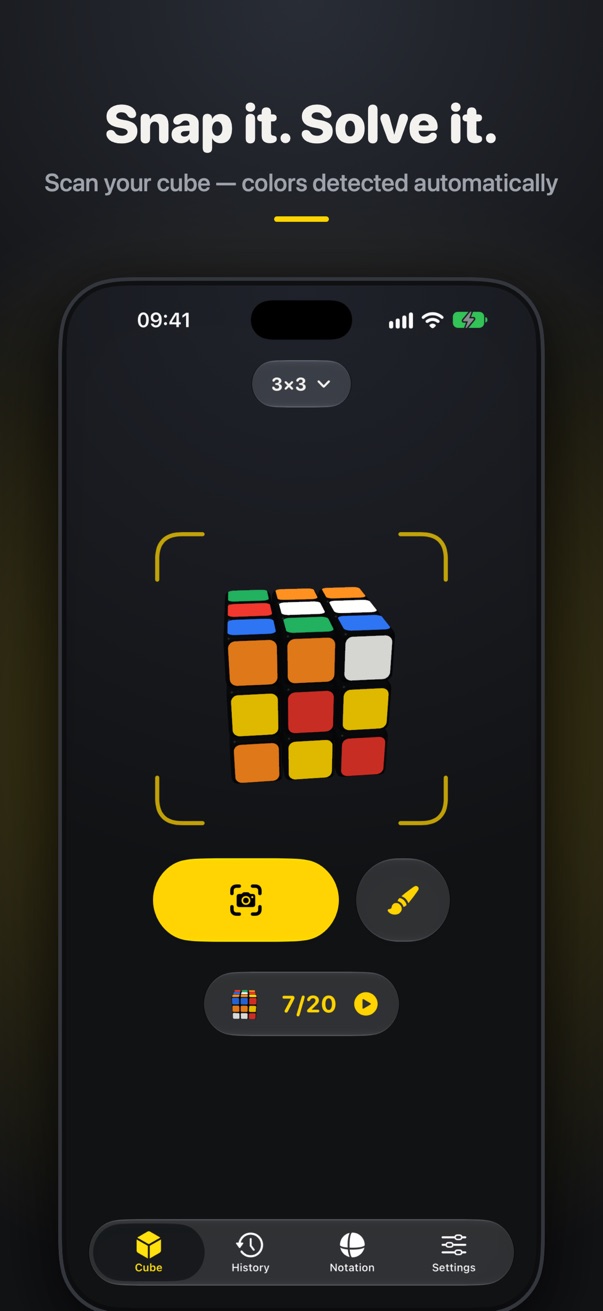
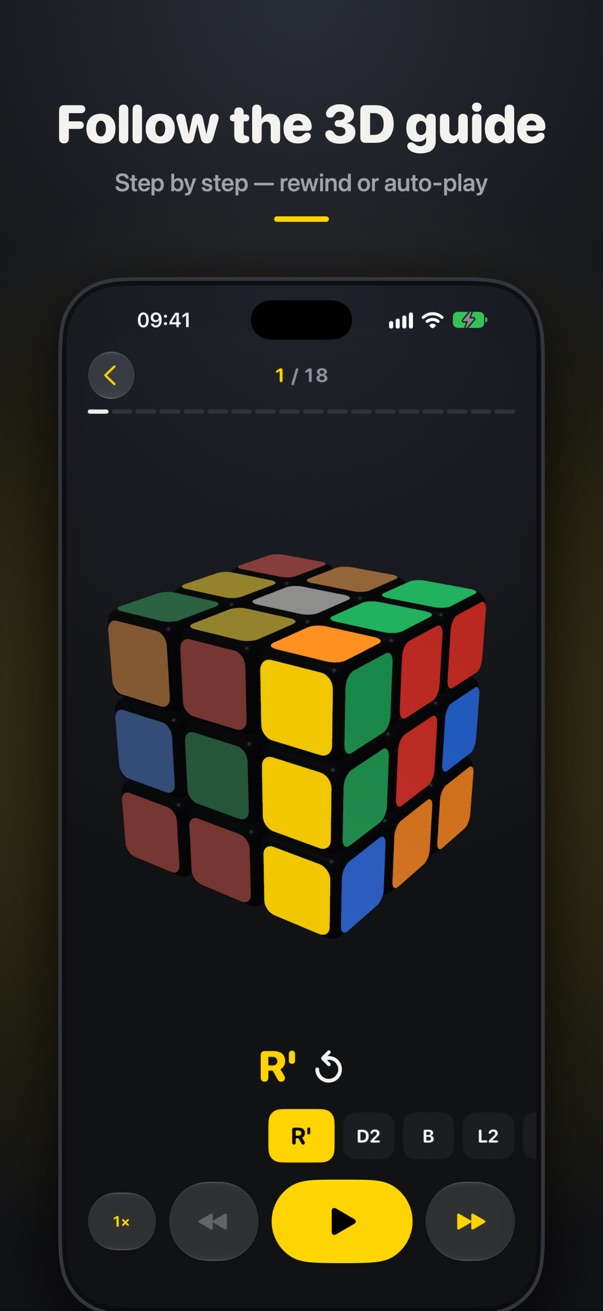
Hold your scrambled cube up to your iPhone. SolveCube reads the colors, works out a solution and walks you through it one move at a time on a 3D model you can follow along with.
How it works
Scan
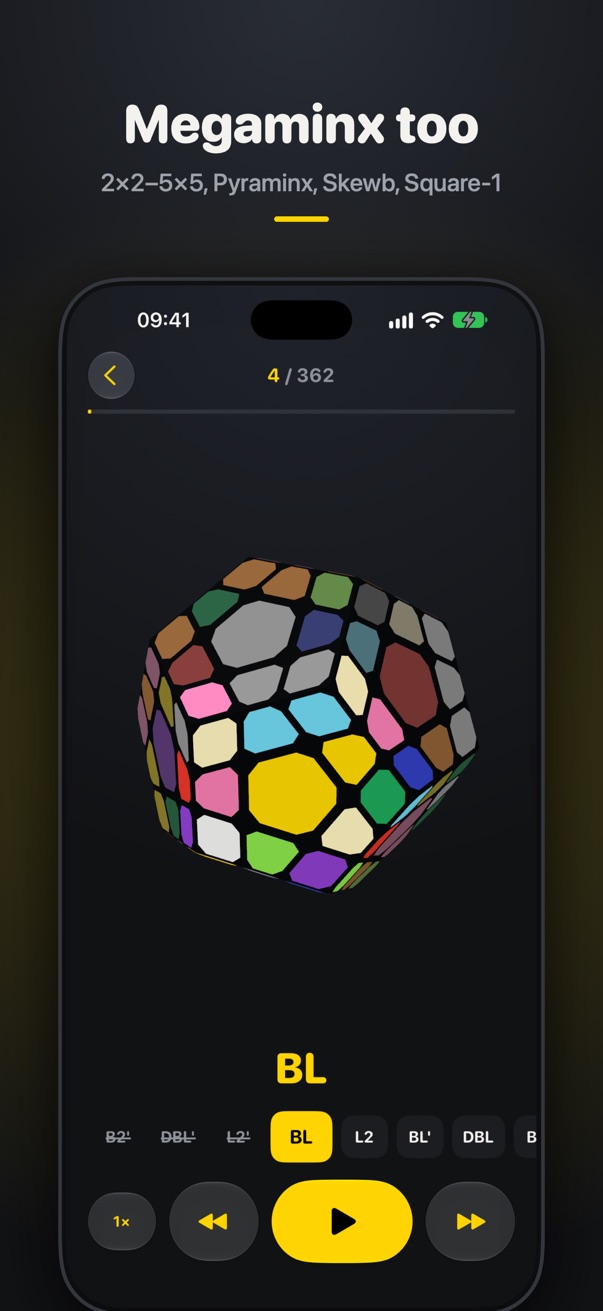
For a 3×3, slowly turn the cube in front of the camera until every face has been seen; pointing at a corner reads up to three faces at once. Other puzzles show a small model telling you which face to hold up next, and each face is captured automatically once the reading is steady.
Check
The scan opens on a 3D model. Tap any sticker to change its color if something was misread. If your cube has no black gaps between stickers or uses unusual colors, skip the camera and fill in the colors by hand.
Solve
SolveCube computes a solution on your phone. A 3×3 is usually solved in about 20 moves. Step forward and back, drag the model to look around, or let it auto-play. Progress is saved, so you can stop and continue later from History.
Supported puzzles
Private by design
Color recognition runs entirely on your iPhone. Camera frames are never uploaded or saved.
Pricing
Free to download, with 3 solves a month on the 2×2 and 3×3. SolveCube Pro (monthly or yearly subscription) unlocks unlimited solves and every puzzle. Prices are shown in your local currency on the App Store; cancel any time.
Questions
Does it work with any cube?
It recognizes the standard color scheme (white opposite yellow, red opposite orange, blue opposite green) on cubes with black gaps between stickers. For stickerless or custom-colored cubes, fill in the colors by hand.
Do I need to know any algorithms?
No. You only need to turn the face the app shows you, in the direction it shows. A notation page explains the move letters if you want to learn them.
Is there an Android version?
Not yet. SolveCube is available for iPhone and iPad.